

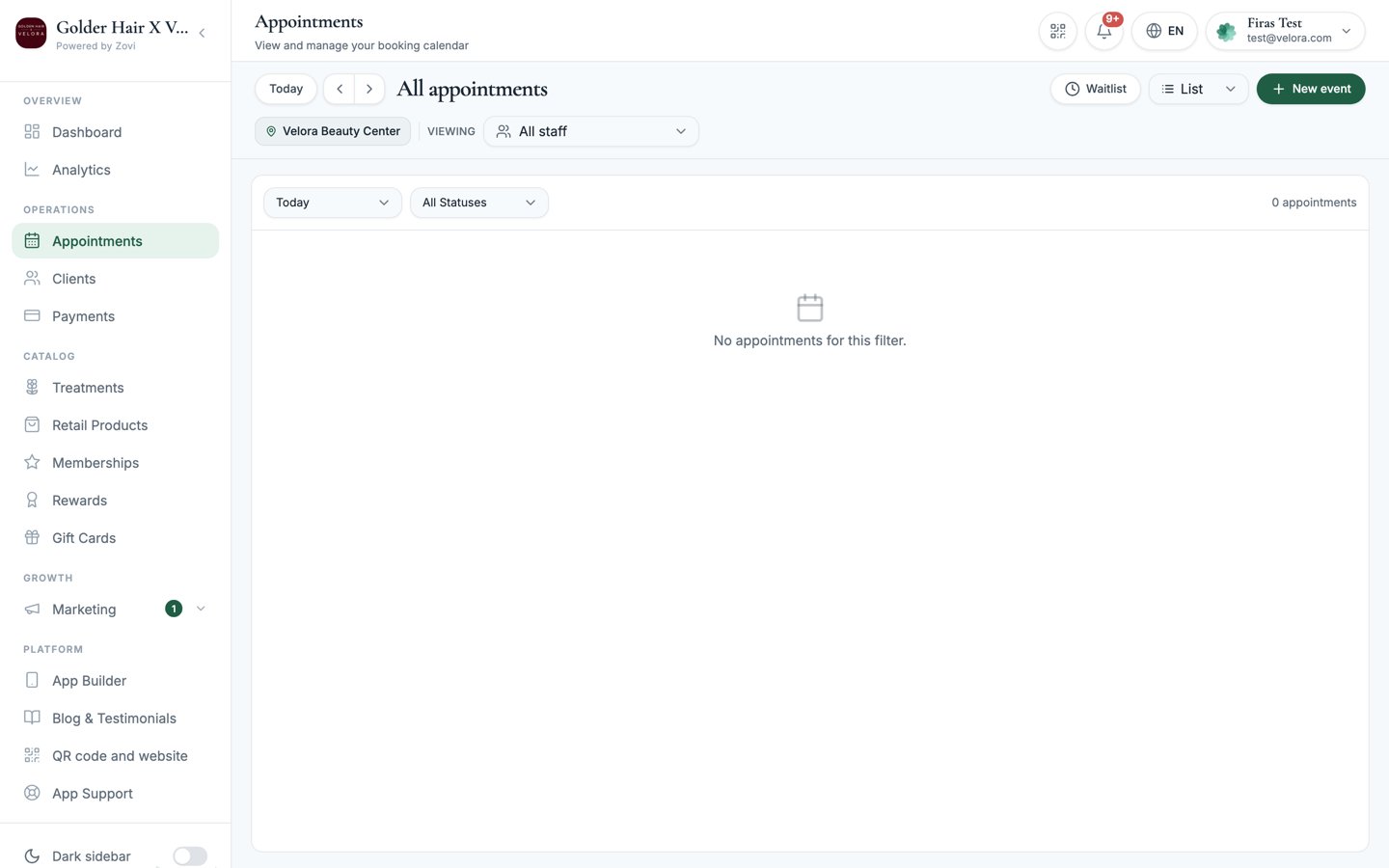
Screenshot: the appointments calendar in week view, showing the location selector, staff filter pills, and the New booking button in the toolbar.
The toolbar
Above the calendar you’ll find:- Day / Week / Month: switch how much of your schedule you see at once.
- Location selector: choose which branch’s calendar to view (if you have more than one).
- Staff filter pills: tap a staff member’s pill to show only their appointments; tap again to include them back.
- New booking: create an appointment (see below).
Create a new booking
Select New booking to open the New Booking modal.1
Choose who it's for
Pick Existing client to book someone already on your books, or
Guest / Walk-in for someone who isn’t.
- For an existing client, search for them by name.
- For a guest, enter a Guest name and phone number.
2
Choose the treatment
Select the Treatment being booked.
3
Choose the staff member
Pick the Staff member, or leave it as Any available to let the clinic
assign whoever’s free.
4
Pick the date and time
Set the Date and Time for the appointment.
5
Create the booking
Confirm to add the appointment to the calendar.
Booking statuses
Every appointment has a status that tells you where it stands:Manage a booking
Select any appointment on the calendar to open its detail. The actions you see depend on the appointment’s current status.- Confirm appointment: for a Pending booking, confirm it.
- Mark completed: for a Confirmed booking, mark it done once the client has been seen.
- No-show: mark that the client didn’t attend.
- Cancel: call off the appointment. You can add a note explaining why.
- Reschedule: move the appointment to a new date or time.
Marking a booking completed feeds the client’s visit history. It counts
towards their visit total on their profile and in the Clients
list. It’s worth marking bookings completed promptly so
those records stay accurate.
If your clinic books through an external platform, the client app explains the
hand-off to your booking partner before it sends the client off-site, and shows
a confirmation sheet with the steps they’ll follow. See
Booking settings.
Related
Check a client in
Scan a client’s QR when they arrive to award check-in points.
The client profile
See a client’s full appointment history.
Booking settings
Choose between native booking and an external booking platform.