

Loyalty Engine settings are owner-only. Only the clinic Owner can open
and change this page. Managers and staff can’t see it.
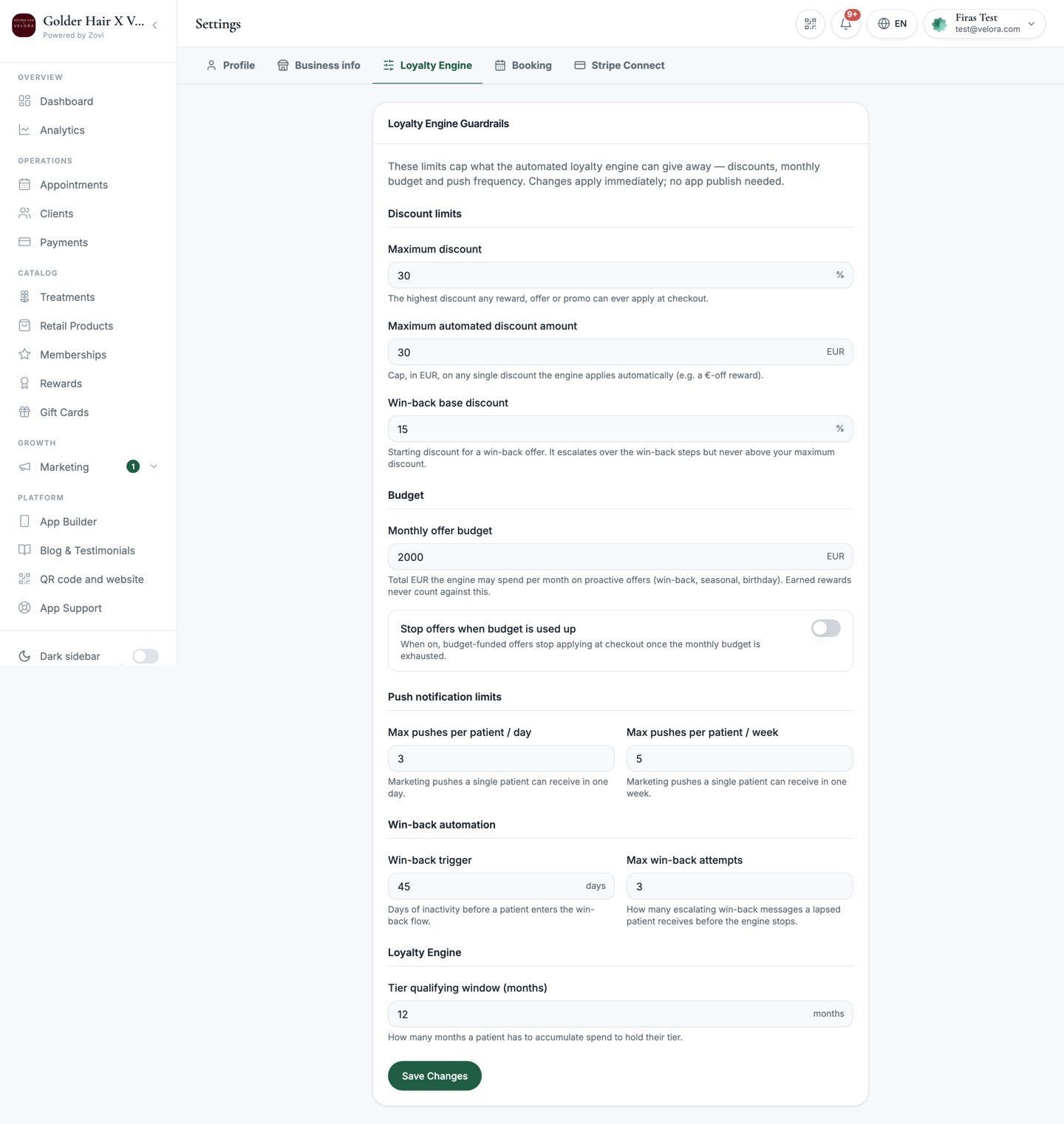
Screenshot: the Loyalty Engine Guardrails page showing the discount caps, monthly budget, push limits, and win-back settings.
Why guardrails matter
Zovi can generate offers and rewards automatically: win-back offers for slipping clients, personalised rewards, and more. Guardrails are the ceiling on all of that. They make sure automation never discounts more, spends more, or messages clients more often than you’re comfortable with. Set them once, and every automated action stays inside these limits. These caps work alongside the per-treatment margin band you can set in Treatments, which blocks automated discounts on individual low-margin services.Discount caps
Limit how deep any single automated discount can go, and how much it can be worth.Budget
Cap your total automated spend so a busy month can’t blow past what you planned.- Monthly offer budget: the total value of automated offers the engine may hand out each month, in your currency.
- Stop offers when budget is used up: turn this on to have automation stop sending offers once the monthly budget is spent, rather than continuing.
Push limits
Control how often automated pushes can reach a single client, so nobody feels spammed.Win-back automation
Tune how Zovi tries to win back clients who’ve gone quiet.Tier qualifying window
- Tier qualifying window: the rolling period, in months, that counts toward a client’s loyalty tier (1 to 36 months). A shorter window rewards recent activity; a longer one rewards lifetime loyalty.
Related
Offers
Create and manage the offers these guardrails govern.
Rewards
Build the reward catalogue clients earn toward.